- Role
- Creative Director, Design Direction, Head of Design
- Year
- 2014
- Client
- Startup
- Industry
- Automotive, Consumer
- Team
- Skills
ValetTAB
An iPhone app for valet parking: register once, drop the car, watch the countdown, pay from your phone
Overview
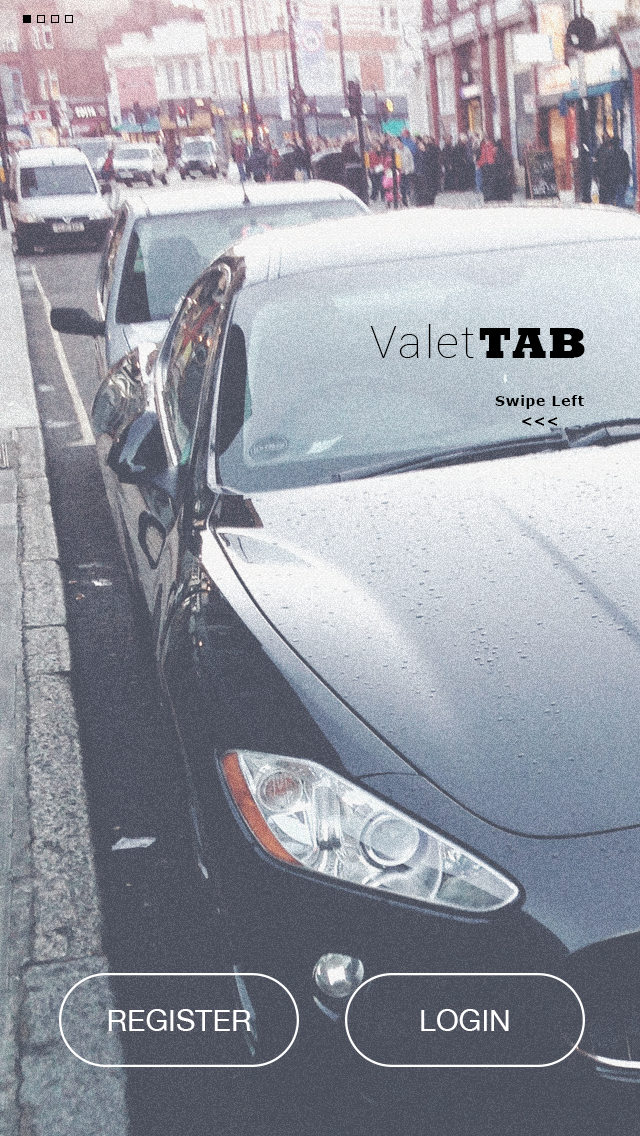
ValetTAB was a Dallas startup's take on valet parking: an iPhone app where the guest registers once with a card on file, hands over the keys, and settles up from their phone instead of at the stand. Over a short fixed engagement in the summer of 2014 my team designed the complete guest flow as nineteen iPhone screens, from landing and registration through drop-off, vehicle-ready notification, checkout and adding funds to a running tab.
Problem
The valet stand is a queue at both ends. You wait to hand over the car and you wait again, wallet out, to get it back. The client wanted the payment and the pickup request to happen on the guest's phone so the stand could move faster, and wanted a "tab" model where guests keep a balance rather than paying per visit.
The design constraint was scope. The work ran under a block-of-hours agreement, so every screen had to earn its place and the flow had to be buildable without custom components.
Solution
Check-in is a four-digit number. The guest greets the valet, asks for the Stand ID, and punches the four digits into the app; that is the whole check-in. No hardware at the stand, no QR code, nothing for the attendant to learn.
Registration front-loaded, everything else one tap. Four registration steps, ending with the credit card, so the guest never touches payment again at the stand. Selecting the vehicle is a plain list of makes with a progress rail across the top, the same rail that carries through the whole flow.
A drop-off list and a countdown. The attendant side gets a drop-off list view; the guest gets a countdown screen once they request the car, so the wait is visible instead of guessed.
A code that can be approved or denied. The vehicle-ready screen carries a validation code, with designed states for a valid code, an approved code and a denied one, so the handover has a check built in.
Pay now, or run a tab. Checkout has two paths: PayNow for the single visit, and Add Funds to TAB for guests who come back.
The screens were delivered as layered Photoshop comps at iPhone 5 size, plus pitch slides showing the app in a device.
Outcome
The archive holds the full screen set and two statements of work, nothing after September 2014.
Gallery
Registration, card step.
Select your make, with the progress rail.
Countdown while the car is retrieved.
Vehicle ready, code approved.
Add funds to the tab.
Pitch slide with the app in a device.